
Michael Rubloff
Jan 28, 2026


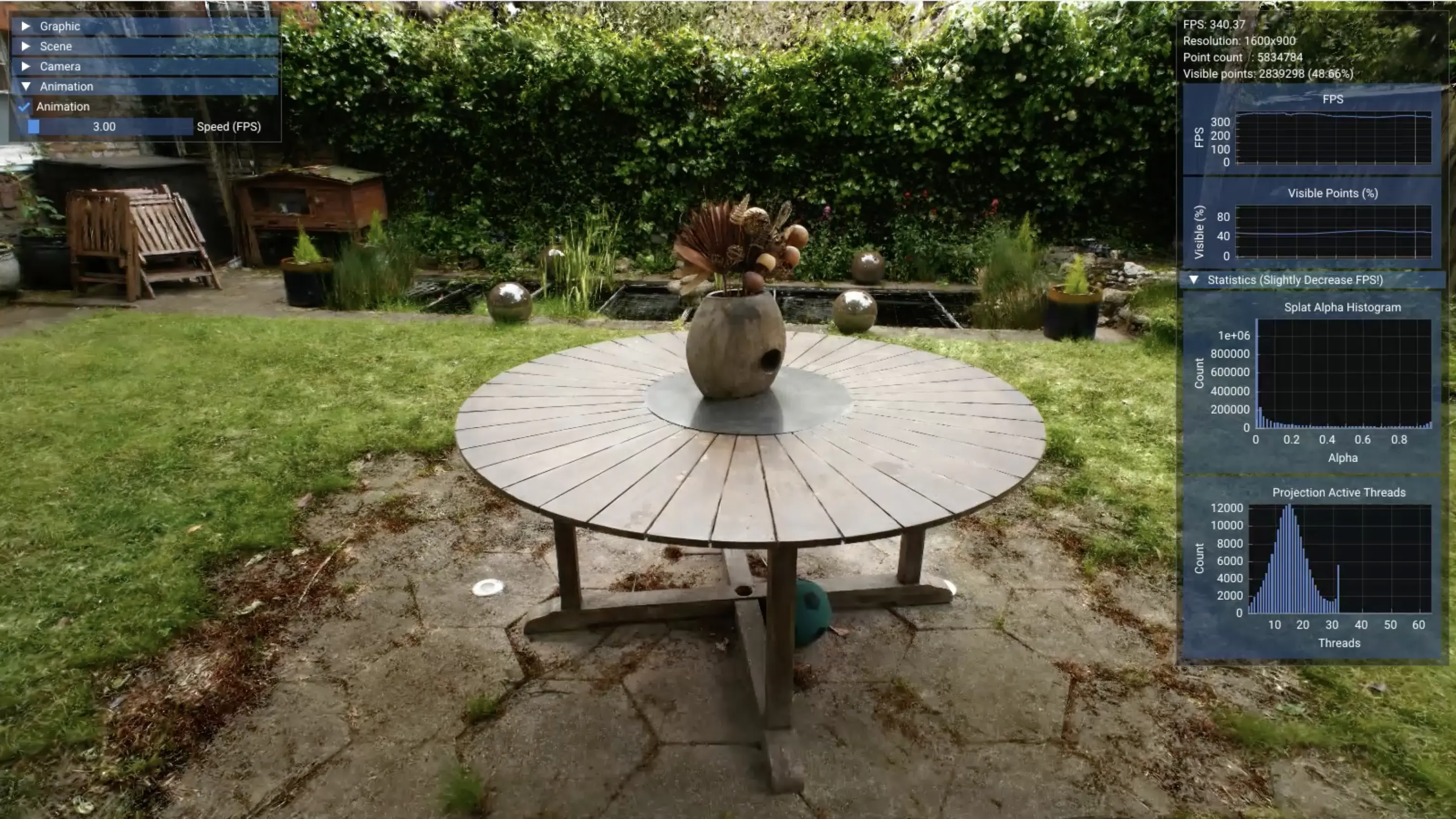
Spatial Fields has steadily evolved into one of the most capable Gaussian splat viewers in Apple’s ecosystem, and version 1.2.0 marks its most substantial step forward yet, with a focus on performance and navigation.
The most immediately noticeable change comes from optional frustum culling, which ensures that only splats visible within the current camera view are rendered. That work is reinforced by a newly introduced full GPU render path. Culling, sorting, and rendering now live entirely on the GPU, eliminating the transient flashes and ordering artifacts that can occur with CPU based sorting.
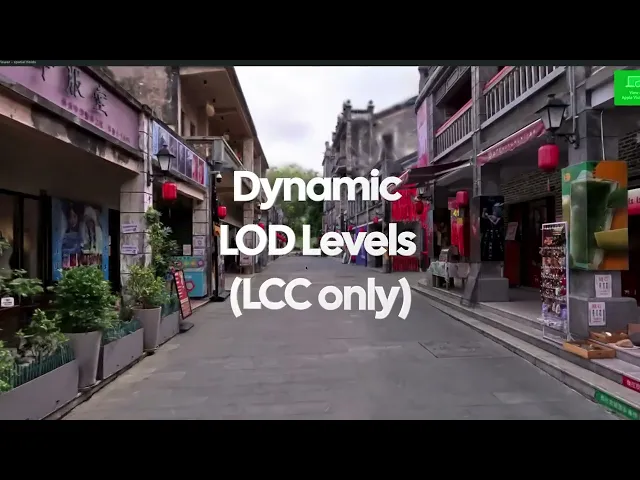
Spatial Fields now supports dynamic levels of detail, reserving high quality shading for regions that meaningfully contribute to perceived detail. This update significantly lowers power draw and device temperature during longer exploration sessions on macOS, iOS, and tvOS.
XGRIDS LCC exports are now directly supported, retaining all available levels of detail and quality data. The app dynamically streams high resolution tiles where the viewer is focused, while keeping lower resolution data elsewhere. This allows dramatically larger and richer captures to be explored on mobile devices without custom conversion pipelines or platform specific preprocessing.
For creators working with their own data, Spatial Fields can now generate LCC exports from standard PLY files, extending these streaming capabilities beyond XGRIDS native captures.
In addition to teleportation through scenes, users can now fly continuously. To mitigate motion discomfort, the app subtly darkens peripheral vision during movement. On iPhone and iPad, similar fly controls are available through a virtual gamepad style interface, making it easier to traverse expansive captures without constant repositioning.
It still blows my mind that Apple TVs can render splats. Spatial Fields now allows any PLY or SPZ capture opened on iPhone, iPad, or Vision Pro to be sent directly to Apple TV for group viewing. The experience mirrors live orientation and movement in real time, while rendering independently on the TV itself. Previously limited to gallery content, Apple TV support now extends to personal files, enabling shared review sessions, informal demos, or simply exploring a capture together on a larger screen.
Favorited captures now remember orientation and scale, restoring scenes exactly as they were left. On macOS, PLY and SPZ files can be opened directly via Finder’s “Open With.”
Spatial Fields remains the most capable Gaussian splatting viewer across the entire Apple ecosystem. It is available for purchase from the iOS App Store.