
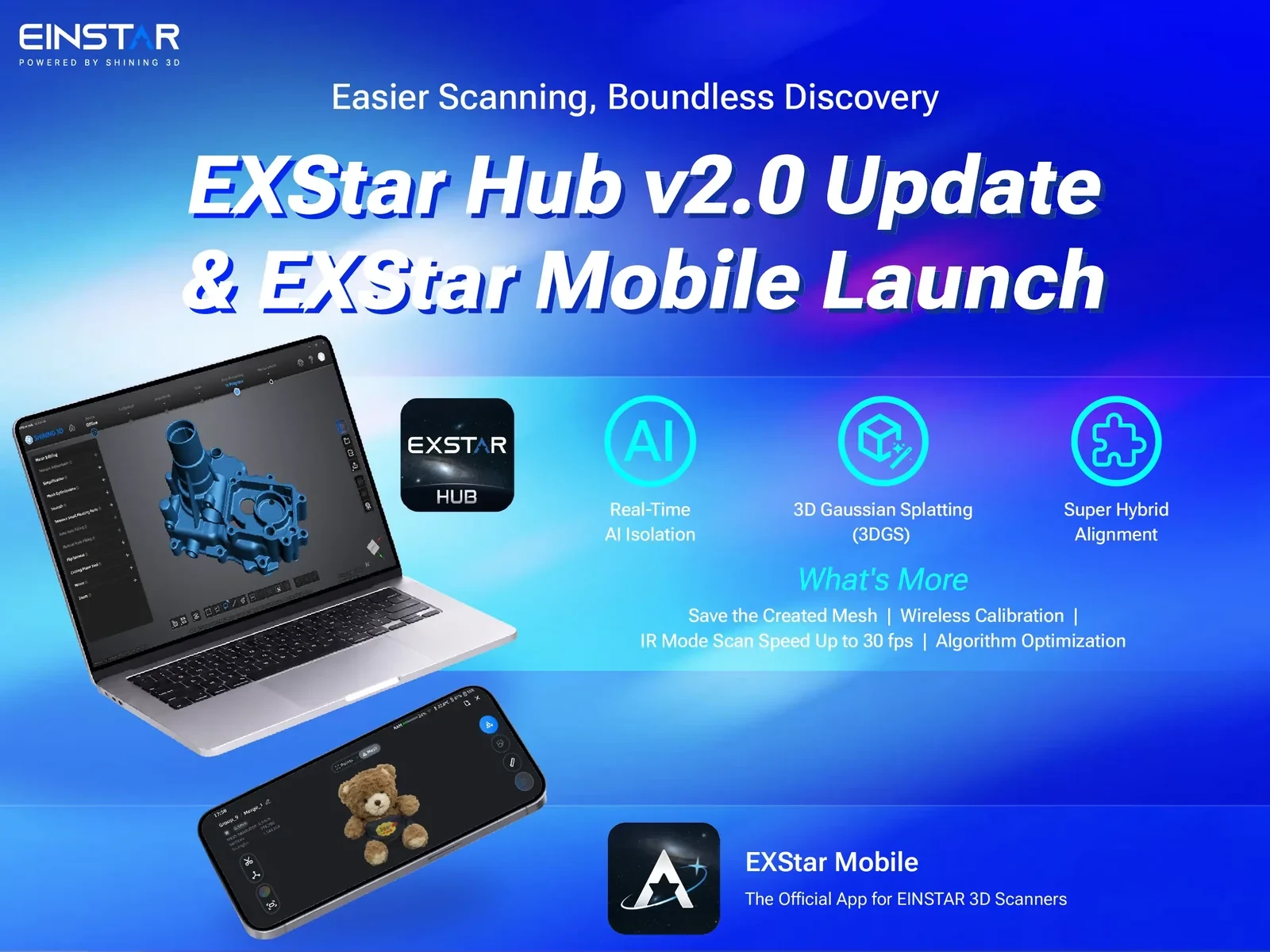
SHINING 3D has released EXStar Hub 2.0, which adds 3D Gaussian splat generation for its Einstar 2 and Einstar Rockit handheld scanners.
EXStar Hub 2.0 builds the splat from a project's captured image data and the geometry derived from its scan, which Einstar says helps the result stay closer to the object's real shape and proportions. The desktop workflow requires a passport account login, a textured project, and a mesh generated from that project's own data, since externally imported meshes cannot produce a splat. The Hub compresses and uploads the project to the SHINING 3D Digital Cloud, where it waits in a queue for computation on cloud servers, and the finished result opens in a browser through a View 3DGS button. Regenerating the mesh overwrites the 3DGS data.
Einstar positions the feature for product presentation, creative assets, and visual archives, and states that it does not replace a conventional mesh for editing, measurement, or manufacturing. What Einstar does not state is an export format for the splat, and capacity is bounded by the cloud storage space selected for the job.
The release also adds Real-Time AI Isolation, which filters out backgrounds, turntables, and fingers during supported IR scanning on Windows systems with an NVIDIA RTX 3060 or better. A macOS version is in development. Super Hybrid Alignment combines feature and marker tracking, and wireless IR scanning without texture and Laser Feature scanning both rise from 20 to 30 FPS. Scanners can now be calibrated wirelessly, each project keeps one saved mesh, and mesh generation runs in batches to reduce peak memory use.
Alongside the update, Einstar launched EXStar Mobile, a companion app for both scanners that pairs over the scanner's Wi-Fi hotspot or a QR code. EXStar Mobile includes basic cleanup tools, local OBJ, PLY, and STL export, cloud upload for sharing models and 3DGS results, and transfer of point clouds and meshes into EXStar Hub. EXStar Mobile runs on Android now, with iOS support coming soon.
EXStar Hub 2.0 is available now from the Einstar Download Center.

