
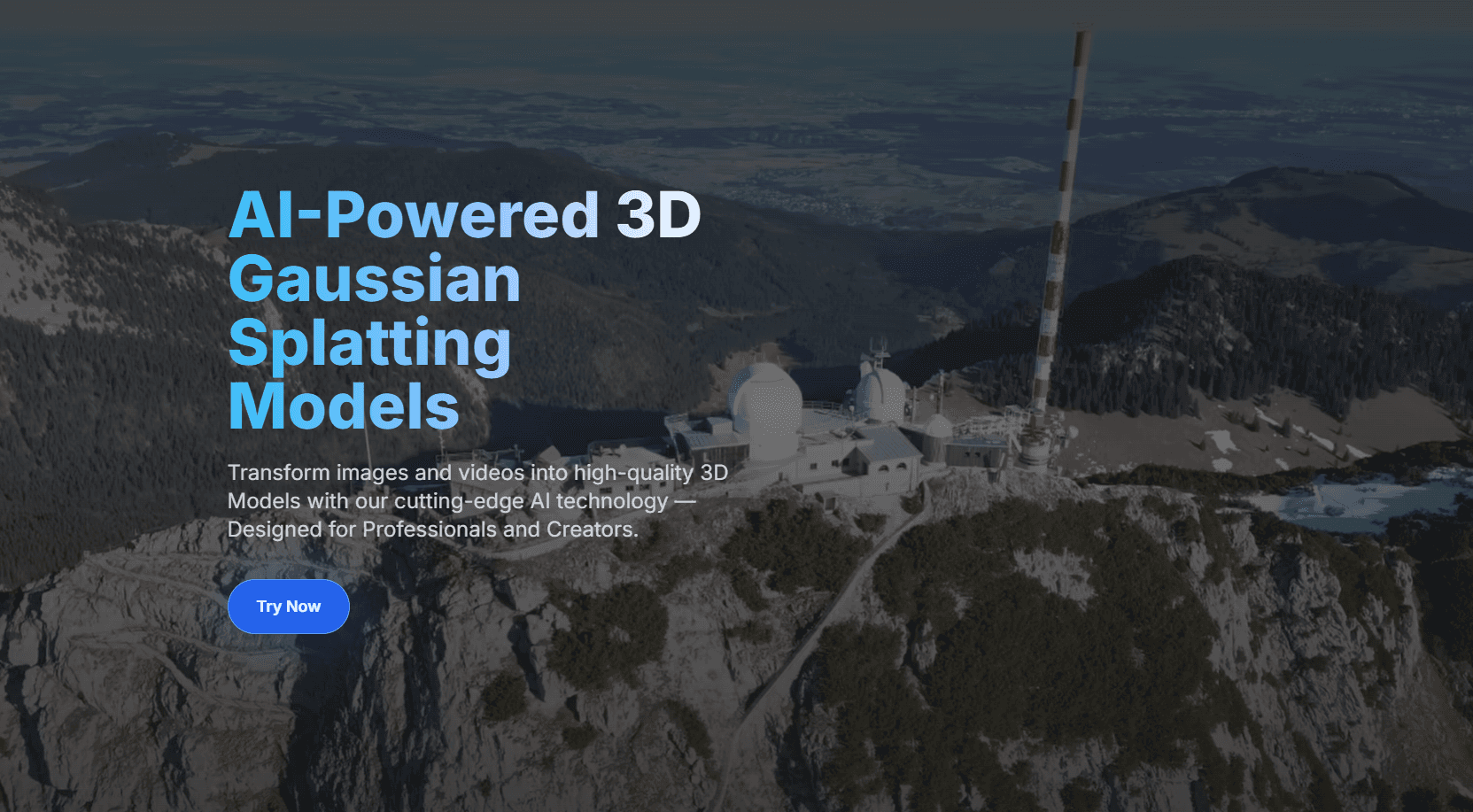
Splatware has released a major update to its browser-based Gaussian Splatting platform. The update expands the service beyond cloud training and moves it closer to a complete production environment for creating, editing, converting, hosting, and presenting Gaussian Splatting scenes.
Since launch, Splatware has focused on bringing several parts of the Gaussian Splatting pipeline into one place. The platform combines cloud-based training with an in-browser viewer, model editing tools, a photo and video studio, virtual tour creation, format conversion, and hosted sharing.
The latest update builds on that foundation. It adds new training models, wider input support, more control over reconstruction, and additional outputs for professional workflows.
At the center of the update are two new Gaussian Splatting training models. They were developed to improve quality and reliability compared with Splatware’s previous generation of models. These new models are aimed at more demanding datasets and use cases such as architecture, real estate, cultural heritage, simulation, virtual production, game development, digital twins, robotics, and large spatial captures up to 10 Million Gaussians.
Splatware also now gives users more control over the training process. Users can influence settings such as the maximum number of Gaussians generated for a scene and the Spherical Harmonics degree used during training. This makes it easier to balance visual fidelity, file size, rendering performance, and downstream compatibility.
The update also expands what a completed training job can produce. In addition to the Gaussian Splat itself, projects can now include precise 3D camera path data, the original audio track, high-resolution physics mesh generation for collision-based applications, exportable mesh data for workflows such as Unity and Unreal Engine, and detailed training reports.
The new training reports are intended to make the reconstruction process more transparent. They include alignment score, training loss, PSNR, and the number of Gaussians over time. For professional users, this can help when evaluating capture quality, comparing datasets, diagnosing failed reconstructions, or refining capture methods.
The physics mesh output is especially relevant for workflows where Gaussian Splats need to interact with traditional 3D systems. In simulation, game development, virtual tours, spatial computing, and interactive 3D environments, mesh data can support collision, navigation, and physics-based interaction while the Gaussian Splat provides the visual reconstruction.
A major part of the update is broader input support. Splatware now supports training from:
- Standard image datasets
- Standard video footage
- (New) 360° images
- 360° video
- Insta360 camera footage
- (New) Antigravity A1 360° footage
- Mesh conversion
- (New) Prepared COLMAP datasets
- (New) Prepared Radiance Field datasets
This wider input range is designed to reduce friction for professional capture teams. Many teams already work with different cameras, scene types, and reconstruction pipelines. Instead of forcing every project into one fixed capture method, Splatware is moving toward a more flexible workflow that can support the types of data used in architecture, surveying, real estate, media production, cultural heritage, robotics, and simulation.
The expanded 360° workflow is particularly relevant for larger spaces. In large interiors, commercial environments, architectural sites, and outdoor structures, traditional image capture can become time-consuming. Support for 360° video and 360° image-based workflows can make it easier to capture broader spatial coverage.
Beyond training, Splatware’s public toolset now includes:
- A high-performance Gaussian Splatting Viewer (with Free Gaussian Splat hosting)
- Gaussian Splatting Model Editor
- Photo and Video Studio
- Virtual Tour Lab
- Gaussian Splatting Converter
The converter supports major Gaussian Splatting formats and helps users move assets between different tools and production environments. This makes Splatware useful not only as a cloud reconstruction service, but also as a practical utility for users working across the wider radiance fields ecosystem.
Splatware also continues to offer Free access to its core tools. This includes training, hosting, viewing, editing, virtual tours, studio tools, and model conversion. Paid plans expand the platform with higher limits, advanced training models, larger uploads, 360° workflows, custom datasets, and deeper configuration options.
Taken together, the update moves Splatware further toward a full-stack Gaussian Splatting platform. Rather than focusing only on training, viewing, or conversion, the platform aims to provide a browser-based workspace for turning real-world capture data into usable, editable, shareable, and exportable Gaussian Splatting scenes.
For professional users working with radiance fields, 3D capture, digital twins, virtual tours, spatial media, simulation, surveying, or real-time 3D environments, the new update makes Splatware a more capable and production-oriented option in the growing Gaussian Splatting landscape.