
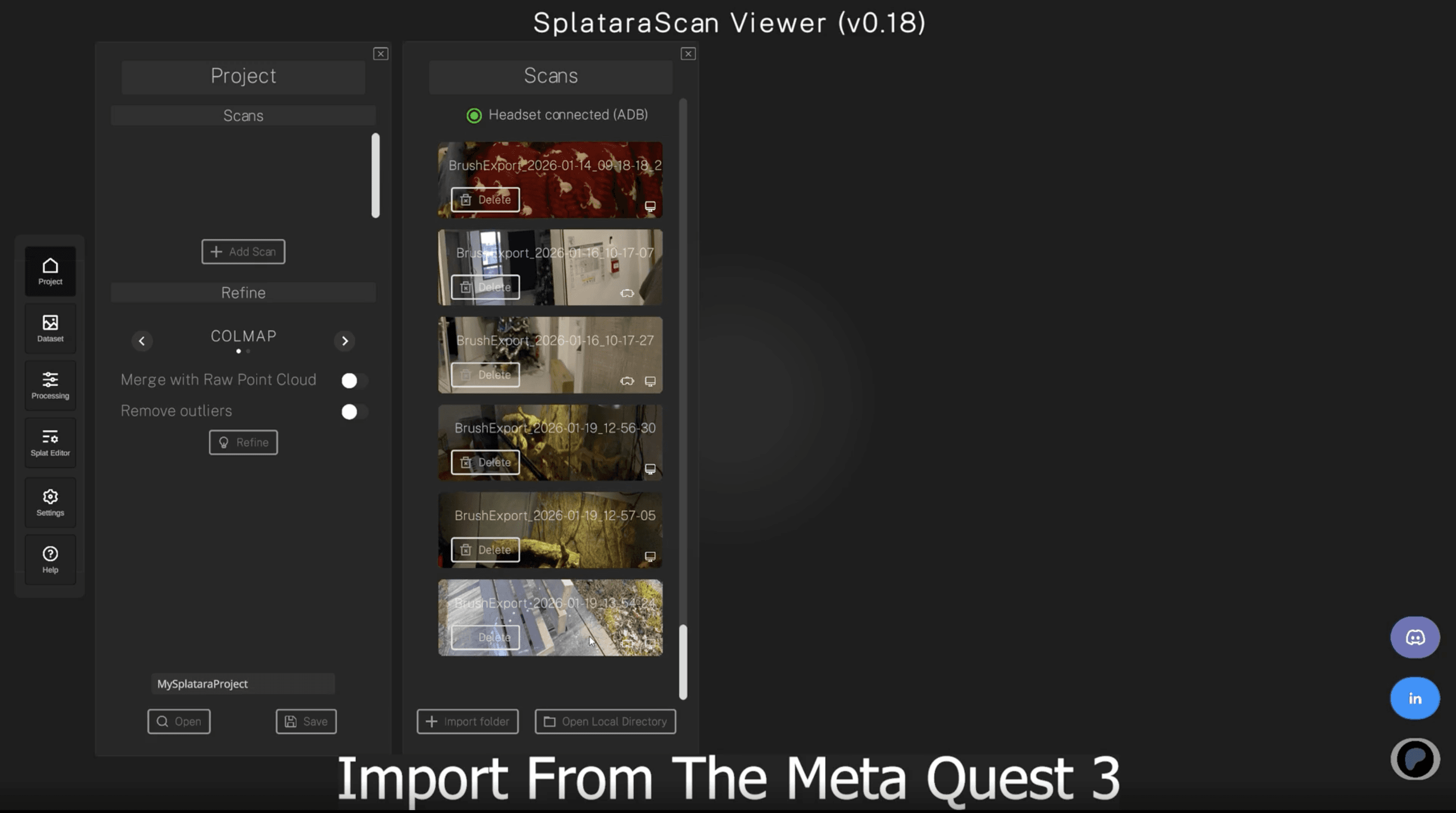
Splatara has been iterating quickly, but this latest release feels like a clear inflection point. The free platform that allows you to capture gaussian splatting on a Quest and then export just released several large updates. Where earlier updates focused on capture quality and shortening the path from headset to usable splats, this new version expands outward, rethinking how scans are organized, edited, trained, and ultimately integrated into downstream platforms.
On the Quest side, the capture experience itself has become more deliberate. You can now pause and resume a scan mid capture, which is honestly an underrated capability. Preview meshes now use depth sensors for proper occlusion, making it easier to judge coverage and separation while scanning instead of discovering issues later on a desktop. There’s also a new in app guide that walks users through best practices.
The larger shift, however, happens once you move into the viewer. Splatara has transitioned to a project based workflow, allowing multiple scans to live together and, crucially, to be merged. This alone changes how the tool can be used, particularly for larger objects or environments that were previously awkward to capture in a single pass. Manual splat editing is now built directly into the viewer, with straightforward selection, inversion, and deletion controls.
Masking has taken a significant leap forward as well. The viewer now integrates SAM 3 for AI-driven auto masking, giving users a way to isolate subjects or regions with far less manual effort. Underneath all of this, the training pipeline itself has been hardened. FastGS is now compiled natively in C++, removing the need for external downloads or fragile dependencies and making in app training feel far more robust, predictable, and comes with LOD support.
As headset based scanning continues to prove its viability, updates like this are extremely exciting to see. You can download Splatara APK and the Splatara Viewer from their website here.


