

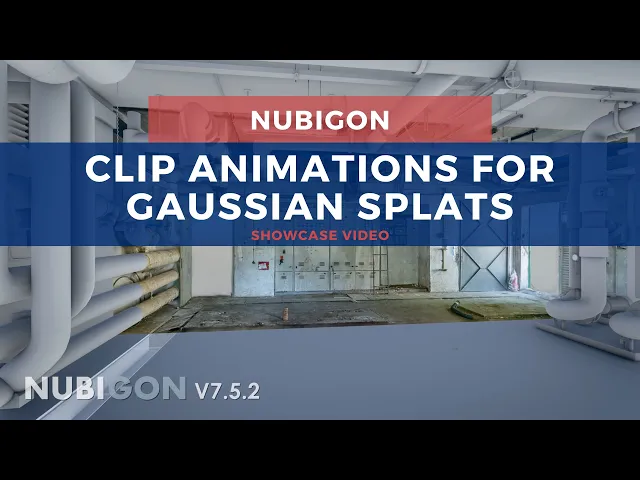
NUBIGON Pro v7.5.2 shipped on July 6, 2026, extending clip plane support to gaussian splats. This should enable dollhouse like presentations and hybrid visualizations with point clouds, meshes, CAD and BIM models, and other scene elements.
NUBIGON had added high performance rendering for Gaussian Splat PLY files with level of detail in v7.2.0. The v7.5.2 notes also list enhanced level of detail for opening and navigating large Gaussian Splat datasets, without a published figure.
The bulk of v7.5.2 is a new lighting engine. NUBIGON lists physically based sunlight with dynamic shadows across point clouds, meshes, and CAD and BIM models, a north offset, a real world location with date, time, and time zone driving an adaptive sun path, a physically based sky, auto exposure, bloom, shadow maps, tone mapping, and Time of Day Animation across any range between sunrise and sunset. Gaussian splatting is not yet supported for the new lighting engine.
Screenshot export reaches 8K, PNG image sequence export is faster, and a misalignment affecting georeferenced Revit RVT imports is fixed. NUBIGON removed the built in CAD modeling functionality in the same release.
Splat import is PLY only, with no SPZ and no SOG, and NUBIGON offers no splat export. Splats open from the File menu under Open Gaussian Splats, and Postshot output needs Rotate X set to minus 90. NUBIGON Pro runs on 64 bit Windows 10 and 11. Only NVIDIA GPUs can render Gaussian Splats,.
It is available now for Windows.


