

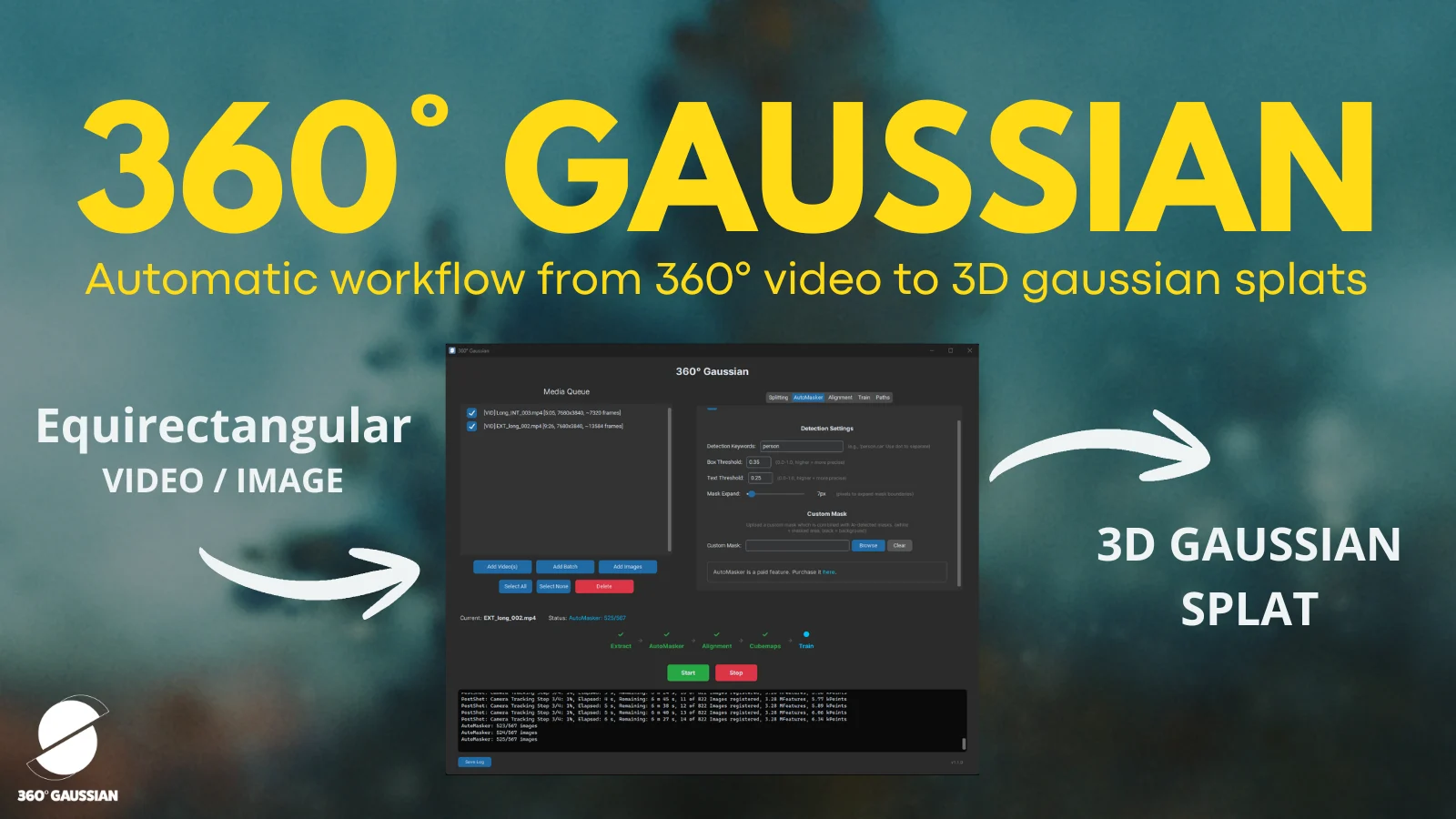
Laskos has pushed out version 1.4 of 360 Gaussian, the pipeline for training Gaussian Splatting scenes directly from 360° camera footage. The release is focused on alignment quality and on smoothing out the parts of the workflow that have historically forced users to rerun expensive preprocessing every time they wanted to try something new.
The project pairs OpenSfM's spherical camera support with a 3DGS training stack, which lets equirectangular video from cameras like the Insta360 X series be reconstructed without first being decomposed into perspective views. Several of the changes in v1.4 lean into that Insta360 workflow specifically.
The headline reconstruction change is an additional bundle adjustment pass added after cube map splitting in the SphereSFM stage. It's exposed in the advanced SfM settings as a "Realign cube map" toggle, and is intended to clean up sphere SfM results before training begins. Loop detection using a vocabulary tree has also been added.
The most interesting addition for longer captures is GPS support. When recording with the Insta360 app, users can now enable GPS, which requires having a phone connected to log positional data alongside the video. In Insta360 Studio, ticking "Export GPX" on export will produce a GPX track file, and as long as it shares a name with the video and lives in the same folder, 360 Gaussian will pick it up automatically. With a GPX file present, alignment switches into a spatial matching mode that uses the GPS track to constrain frame pairing, which helps significantly on longer routes where pure visual matching tends to drift. As a bonus, the reconstructed model gets scaled to the real world size implied by the track, although Laskos notes the scaling is approximate rather than exact.
Clip trimming has also moved inside the media queue. Double clicking any clip opens in and out point controls, and pressing Apply commits the trim, with the clip then marked accordingly in the queue.
The other quality of life improvement is the ability to reuse extracted frames and automasker output across runs. Enabling Debug and "Leave temp folders" in the Past tab keeps the extracted equirectangular frames and masks on disk after a run completes. On a subsequent pass, those frames can be brought back in via Add images, and the saved masks folder path can be pointed at from the Automasker tab, where a green confirmation message indicates everything is wired up correctly. With both reused, frame extraction and automasking are skipped entirely, which makes iterating on alignment settings considerably less painful.
360 Gaussian v1.4 is available now from the project's Gumroad page.