SplatKing, the iOS capture app built for gaussian splatting and radiance field workflows, has shipped its first major update since launch. The new release comes with several updates beginning with LiDAR captures now export a proper COLMAP text model, camera poses, images, and sparse points, written entirely on-device. Around it, the release redesigns the capture interface, expands the manual control set, and adds a sharpness floor for handheld capture.
That means a LiDAR session can skip the separate structure from motion step that most gaussian splatting and NeRF pipelines begin with. You point any reconstructor that ingests a COLMAP model at the capture folder and start optimizing. The model is written before the capture ever leaves the device.
SplatKing‘s defining behavior is dual-lens capture. In Photo and Video mode, it records the 0.5× ultra-wide and 1× wide cameras simultaneously, giving downstream reconstruction two synchronized viewpoints. This means more coverage and parallax, from a single pass. LiDAR mode pairs ARKit depth with the 1× wide lens.
A redesigned capture interface
The capture screen has been rebuilt around a control rail with on-chip readouts. The previous heads up display is gone. In its place, every active setting shows its current value directly on its chip, so the state of the camera is legible at a glance while you shoot.
Controls are Auto by default. Tap a control to take it manual. You can mix freely, manual shutter with auto white balance, and in the dual-lens modes every manual setting is applied to both lenses at once, so the 0.5× and 1× streams stay matched.
Expanded manual and focus controls
On top of the existing ISO, shutter, white balance, and exposure compensation, the update adds a full set of focus controls:
Tap to focus: tap the preview to focus on a point.
AF Lock: lock focus where it is, so it doesn’t hunt between frames.
Manual focus distance: set focus by distance for full control.
The update also adds an optional Remember Last Settings mode, which restores your last manual exposure and white balance the next time you switch to Manual (off by default).
Minimum shutter speed: a sharpness floor
New under Settings → Image Quality, Minimum Shutter Speed sets the slowest exposure the app is allowed to use. The camera holds the shutter at least that fast, raising ISO as needed, so motion stays sharp while you move through a scene. It applies to both Photo and Video, across both lenses.
Settings, and landscape on iPhone
The release introduces a proper Settings page consolidating capture defaults (the mode the app launches in), image quality, manual control behavior, output options (video quality, undistorted exports, photo format, chip rail side, backup folder), and display preferences (grid overlay, haptics). The capture interface also now supports landscape orientation on iPhone.
Preparing a capture as a ZIP for sharing or offload is now substantially faster, most noticeably on large dual-lens 4K captures. It’s up to six times faster than the previous version!
Availability
SplatKing 1.0.2 is available on the App Store for iPhone (iOS 18 and later). All three capture modes, Photo, Video, and LiDAR, work fully on-device and offline. LiDAR mode requires a LiDAR equipped iPhone. Every capture is saved locally as a self-contained “splatpack” folder of media plus the metadata a reconstruction pipeline needs, in plain formats with no proprietary container. Nothing leaves the device unless you choose to share it.
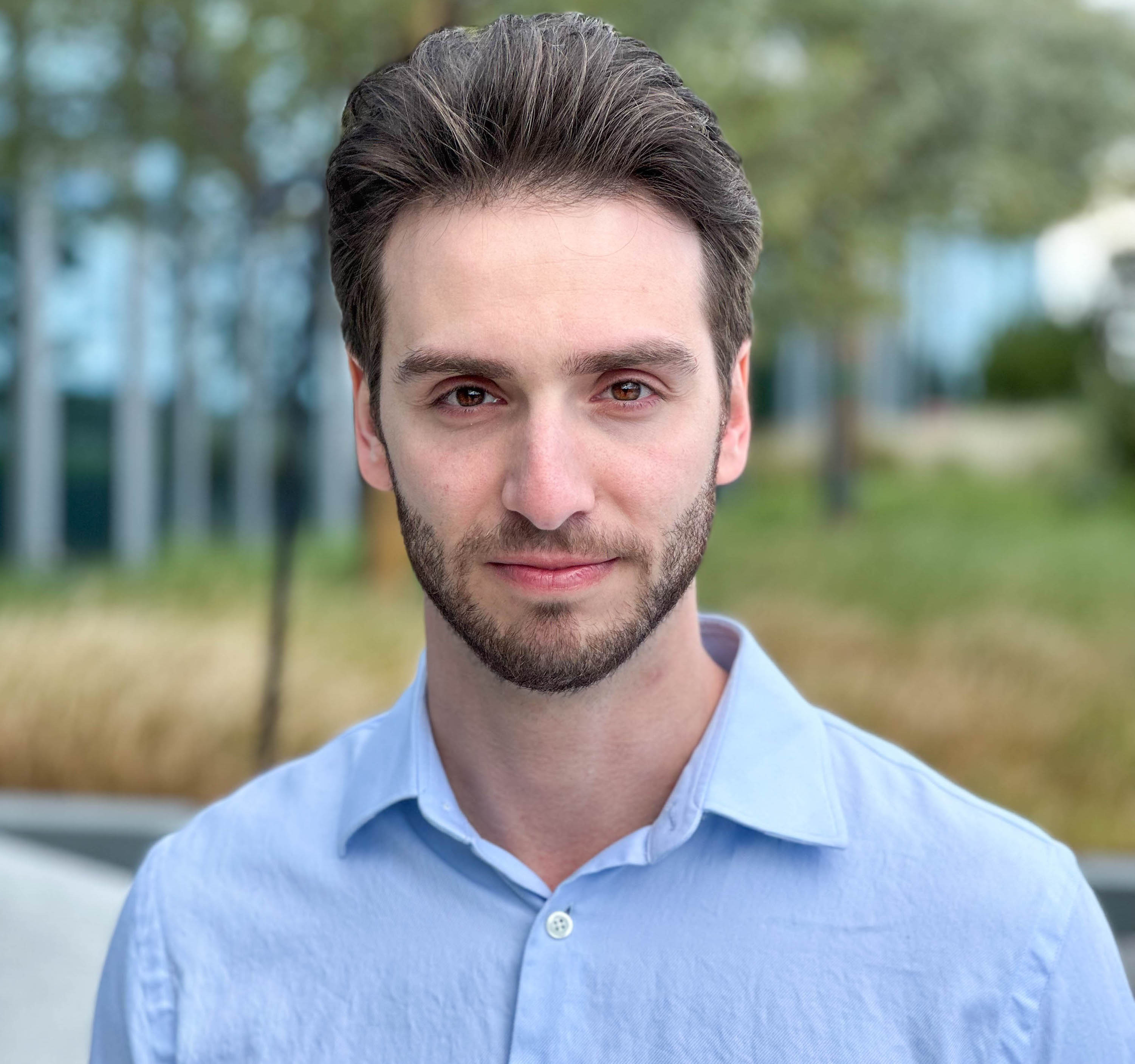
Disclosure: SplatKing is developed by Michael Rubloff, founder of RadianceFields.com.


